A website for your cafe
Visitors can read the menu and prices directly on the page, without opening a PDF. The coffee roaster example explains bean origins and roast levels. The bakery example lists the day’s selection with prices and weights.
Browse the examples and open a design you like
This is an example site. Yours is created for your business.
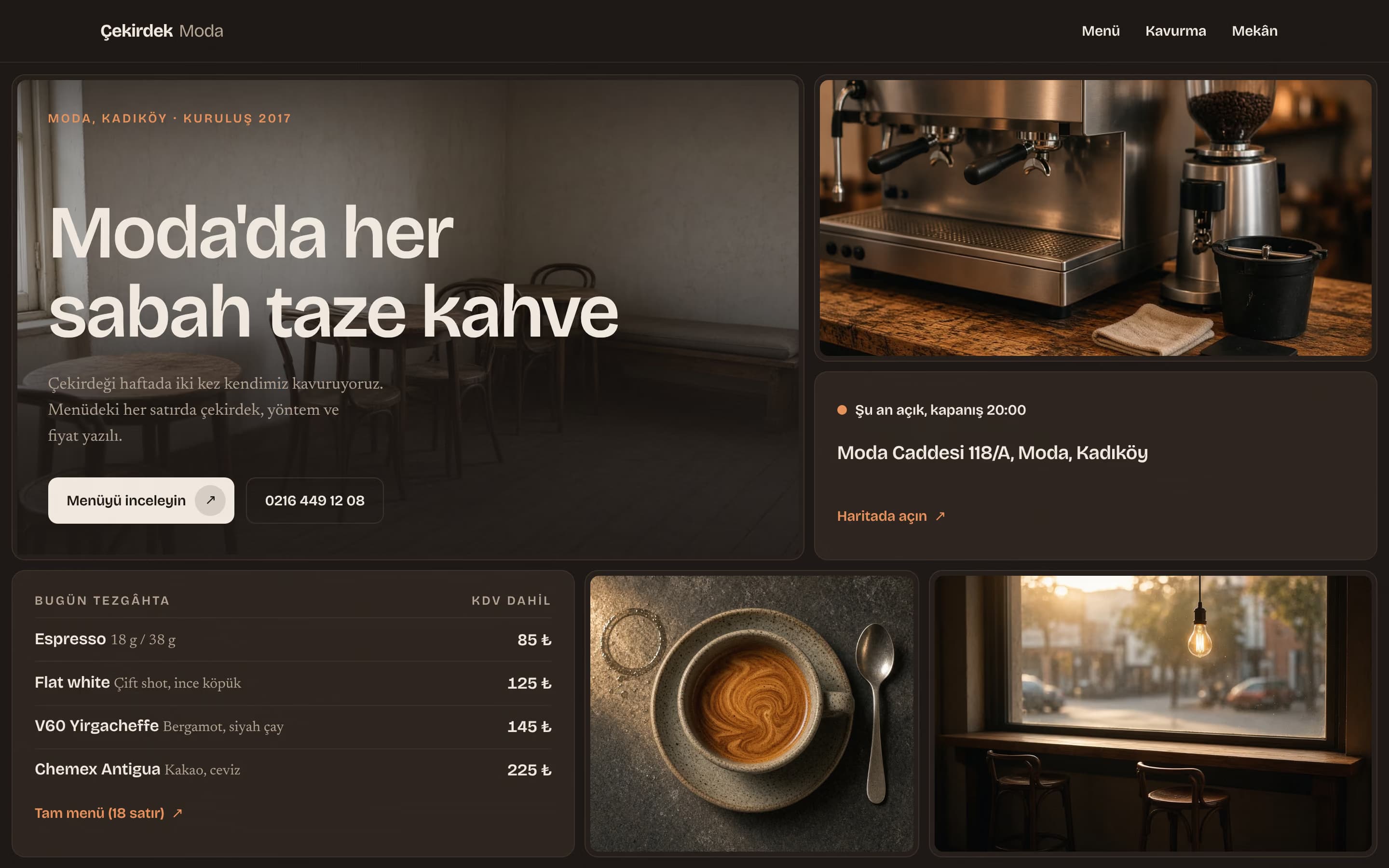 Kafe — Çekirdek ModaExplore Kafe — Çekirdek Moda. Browse this cafe website’s pages and mobile layout.4 pagesView example
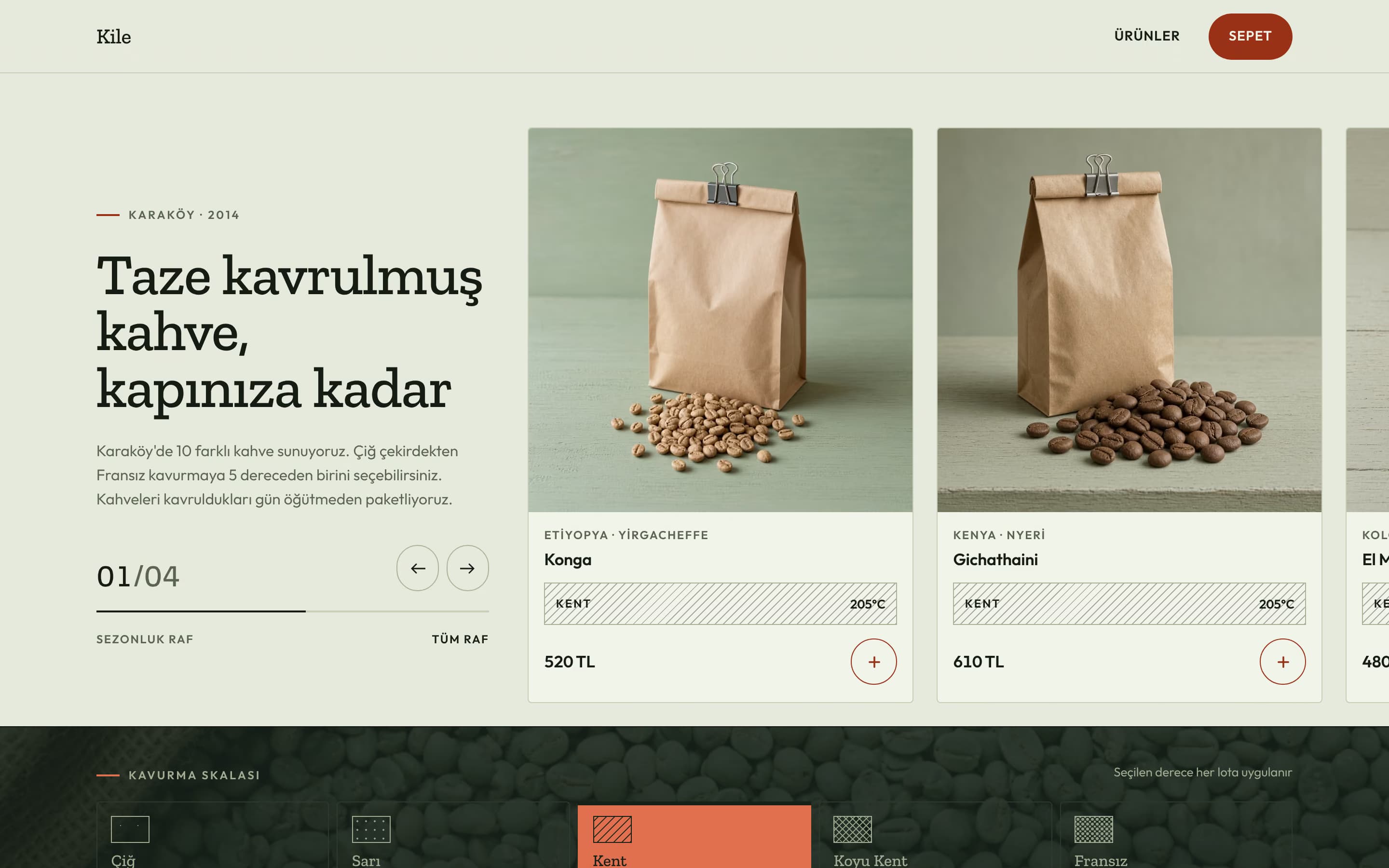 Kahveci — Kile Kahve KavurmaExplore Kahveci — Kile Kahve Kavurma. Browse this coffee roaster website’s pages and mobile layout.4 pagesView example
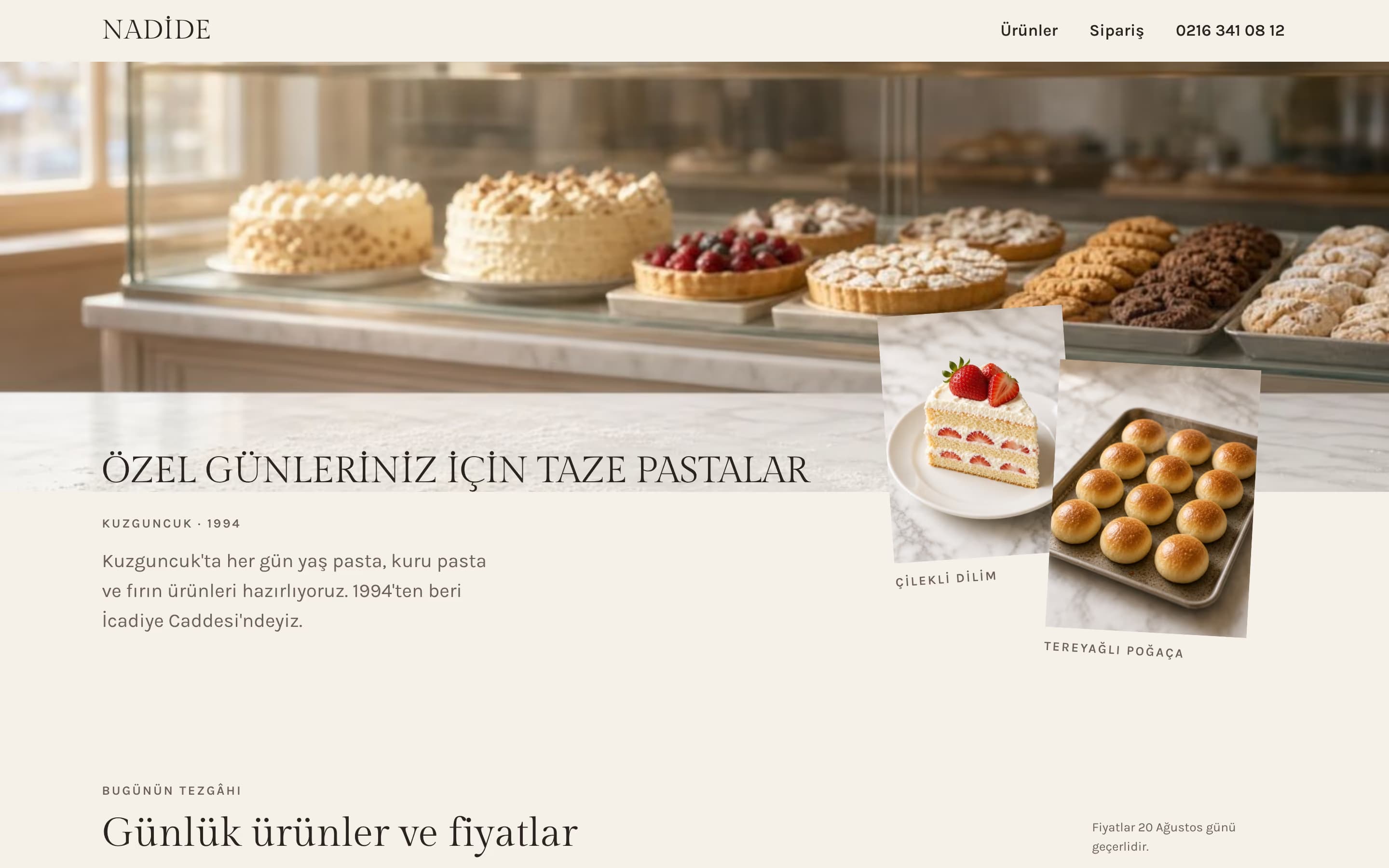 Pastane — Nadide KuzguncukExplore Pastane — Nadide Kuzguncuk. Browse this bakery website’s pages and mobile layout.3 pagesView example
Frequently asked questions
- How is the menu displayed?
- The menu is part of the page, with prices. The cafe example filters by brewing method, while the bakery lists weights and prices for each item.
- Can visitors request an order?
- The cafe collects coffee bean orders through a form. The bakery uses a form for custom cake preorders. Requests come to you.
- Where do hours and directions go?
- The venue page includes weekly hours, holidays, directions, and accessibility details. The bakery’s order page explains collection and delivery rules.
- Can I use an example for my own business?
- Yes. The copy is your site. Edit its text and photos in your dashboard, or have Muligo adapt the pages and copy to your business.